This update was published over a year ago. Some of the information may be outdated.
Following up on our update that allows you to adjust the line item amount on invoices, we've added a new feature that lets you choose how prices are displayed on invoices.
There are 3 display modes to choose from:
- Net - both the line item unit price and line total are displayed excluding tax.
- Gross - both the line item unit price and line total are displayed including tax.
- Split - line item unit price is displayed excluding tax and line total is displayed including tax.
While accountants usually choose either the net or gross display modes, the split mode will usually feel more natural to non-accountants, as the numbers add up when reading from left to right.
The price display can be adjusted from Business Settings > Settings, under Currency, prices & products - or, alternatively clicking on Invoice Settings when creating or editing an invoice.
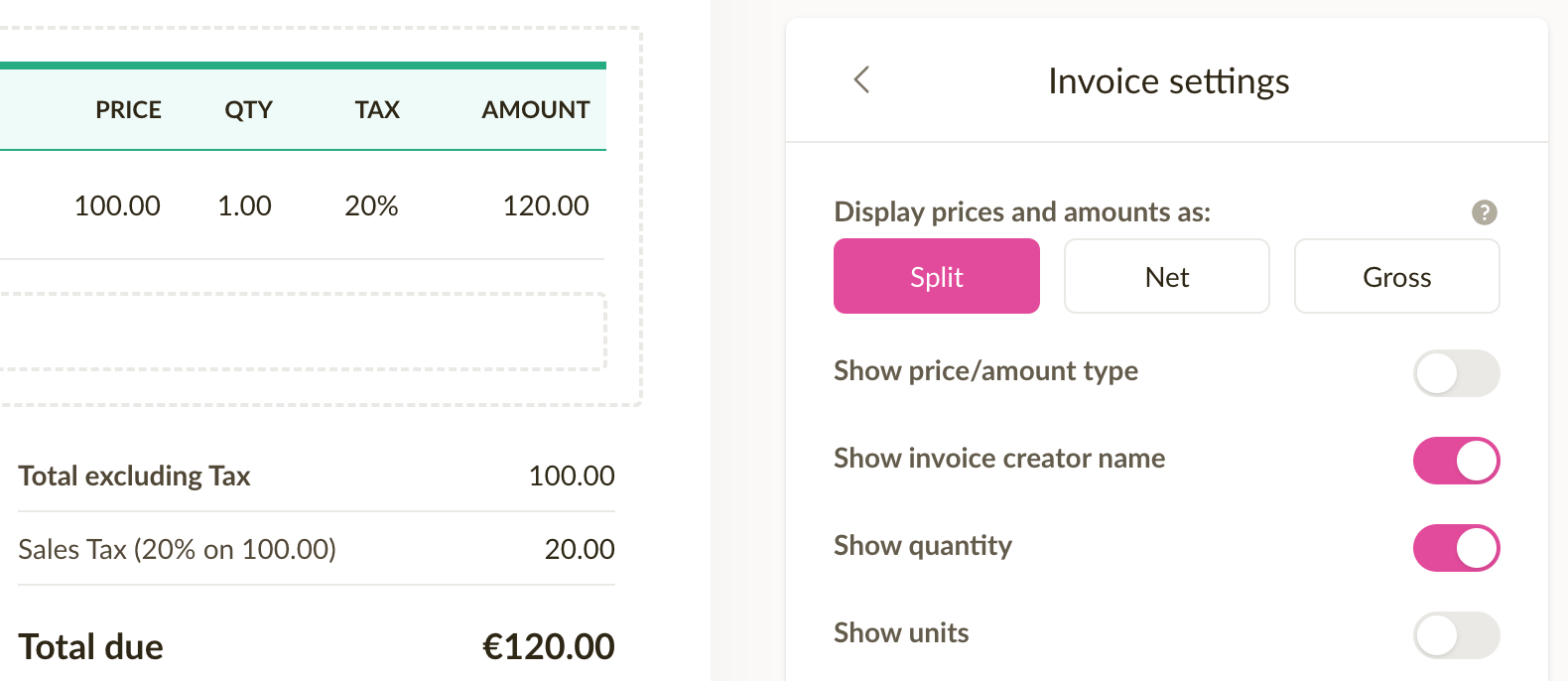
NB! This setting also affects price display on estimates.