This update was published over a year ago. Some of the information may be outdated.
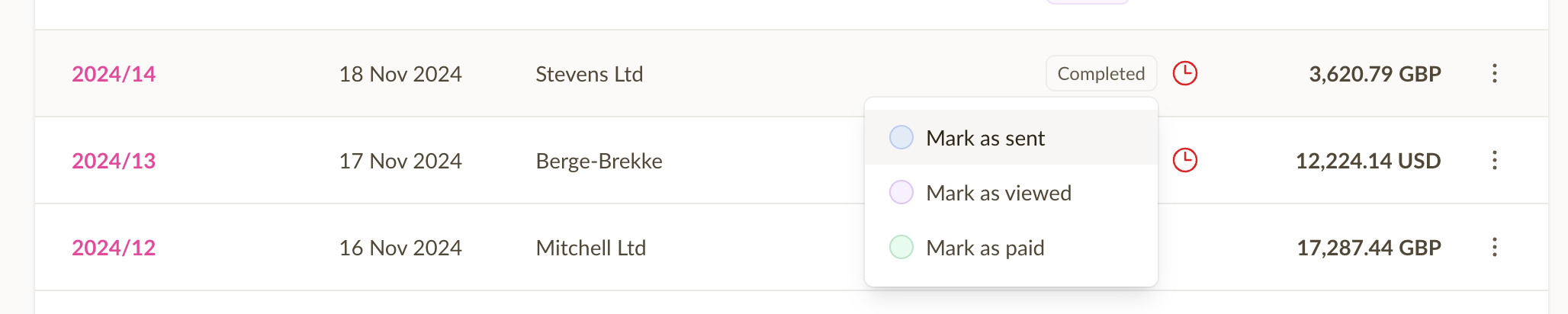
It's now possible to quickly change the status of an invoice or estimate by simply clicking on the status badge, and choosing a new status. This can be done both from the invoice list, and when viewing an individual invoice.
This speeds up the process of updating the status of an invoice or estimate, and makes it easier to keep track of the status of your invoices and estimates.
When marking an invoice as paid, Sliptree will create a payment behind the scenes, using the unpaid amount and payment method from the invoice as the payment details.